Share to be shared__

Generic selectors
Exact matches only
Search in title
Search in content
Post Type Selectors
program-protector

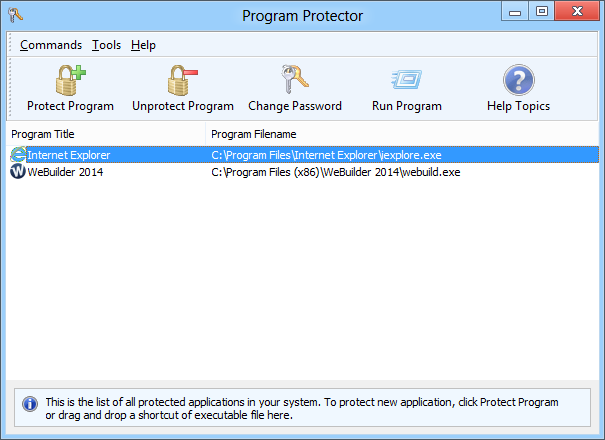
Password protection for Windows applications

Blumentals Program Protector is a security-focused utility that enables users to lock and protect any Windows application with a strong password. Designed for both personal and professional environments, the software prevents unauthorized access to sensitive programs, ensuring data privacy and operational control. Program Protector works at the application level, meaning it does not require modifications to system files or complex configurations. With its intuitive interface, administrators can quickly assign passwords, manage protected applications, and enforce access restrictions with minimal effort. The tool integrates smoothly into daily workflows and supports both standalone and enterprise use cases. Its robust encryption, tamper-proof architecture, and real-time protection make it a reliable choice for organizations and individuals who need a straightforward yet effective security layer for their software. Whether used in offices, schools, internet cafés, or shared computers, Program Protector strengthens access control and helps maintain a secure computing environment.

Key features include:

  • Password protection for any Windows application

  • Strong encryption and anti-tamper security

  • Simple configuration with no system modifications

  • Suitable for home, business, and public environments

  • Centralized management options for multiple protected apps

  • Reliable, lightweight, and stable operation
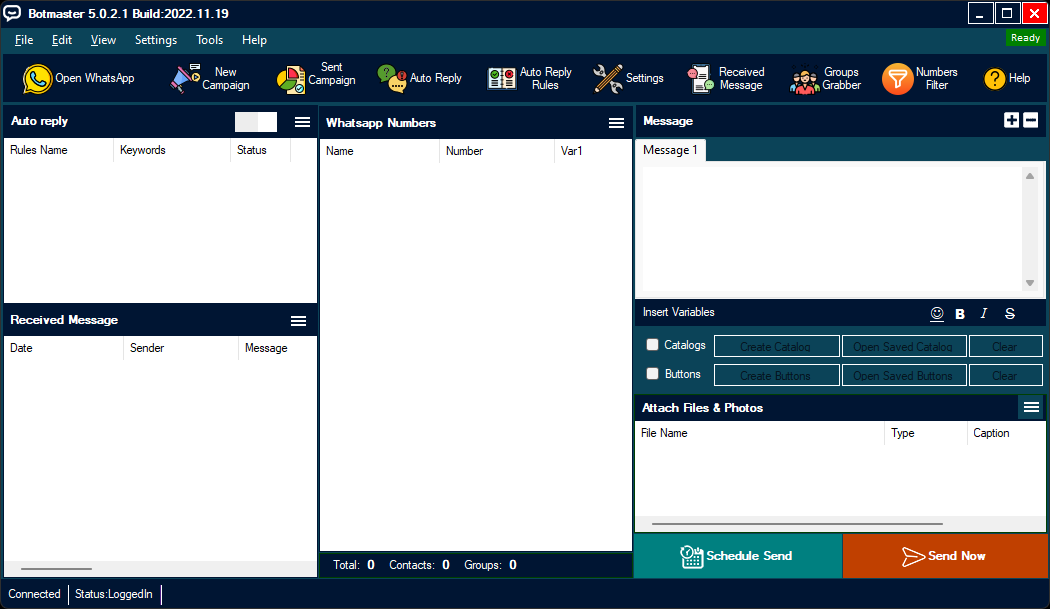
BotMaster1

Advanced automation and task management suite

BotMaster  is a comprehensive automation platform designed to streamline repetitive tasks, optimize workflows, and enhance productivity across various digital environments. Built for power users, businesses, and technical professionals, BotMaster provides a robust toolkit for automating web interactions, data handling, application control, and multi-step operational sequences. The software supports intelligent scripting, dynamic triggers, conditional logic, and batch processing, enabling users to create highly customized automation routines without complex programming. Its modular architecture ensures strong performance, high stability, and compatibility with modern Windows systems. With BotMaster, users can reduce manual workload, eliminate errors caused by repetition, and accelerate task execution. The platform is well-suited for data operators, administrators, QA testers, digital marketers, researchers, and individuals who need consistent and reliable automation at scale. Features such as secure execution, detailed logging, and flexible scheduling further enhance the tool’s value in professional environments.

Key features include:

  • Powerful task and workflow automation engine

  • Support for scripting, triggers, and conditional logic

  • Automated web browsing, form filling, and data collection

  • Batch operations and multi-step command execution

  • High stability and optimized performance for Windows

  • Detailed logs and scheduling options for professional use

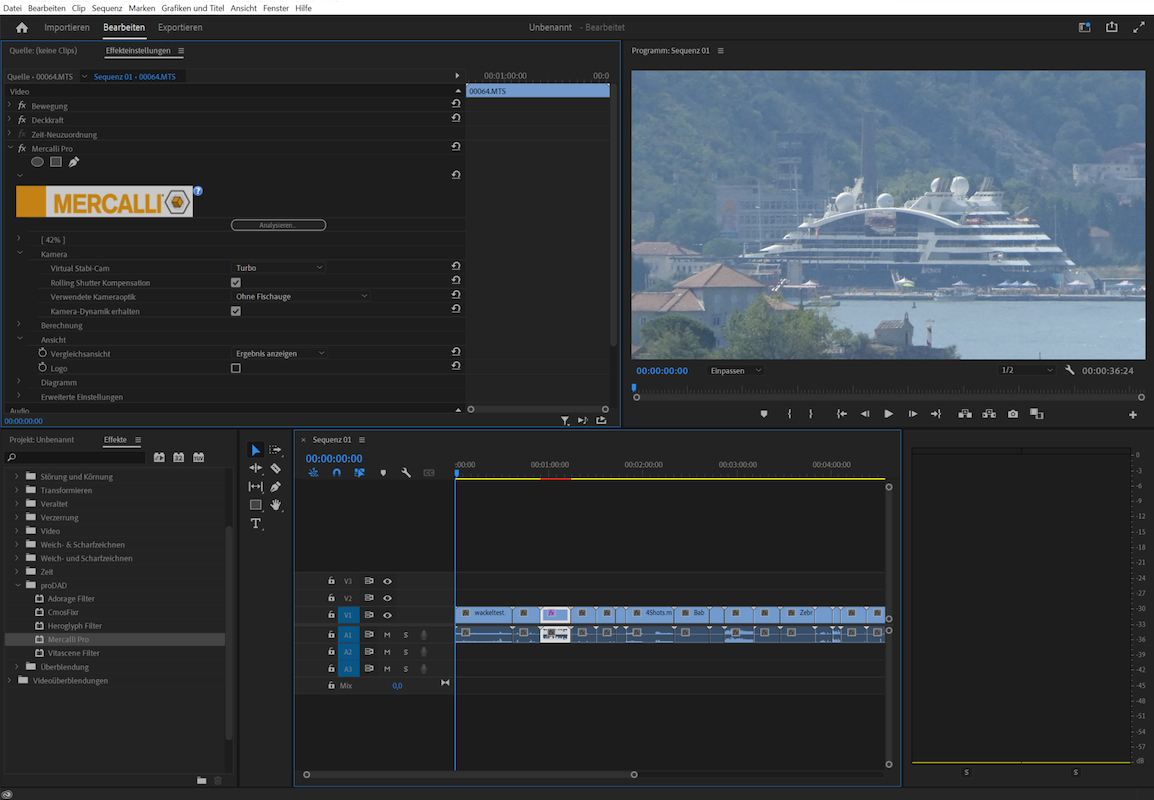
proDAD-Mercalli-Plug-Ins-Adobe1

Professional video stabilization and correction

proDAD Mercalli Plug-Ins Adobe 6.0.678.3 is a professional-grade stabilization and image optimization solution designed specifically for Adobe Premiere Pro and After Effects users. This plug-in delivers exceptional correction for shaky footage, rolling shutter distortion, vibration, and CMOS-related artifacts, ensuring clean, smooth, and cinematic results even in challenging shooting environments. With advanced motion analysis and automatic optimization, editors can correct problematic clips without needing reshoots or additional hardware stabilizers. Mercalli offers intuitive workflows, precise control parameters, and real-time preview capabilities that fit seamlessly into Adobe’s editing pipeline. Whether working on action cameras, drones, handheld footage, or documentary content, Mercalli significantly enhances video quality and production efficiency. It is a reliable choice for filmmakers, YouTubers, videographers, and post-production professionals who demand high-quality stabilization and visual correction tools.

Key features include:

  • Advanced stabilization engine for smooth and natural movement

  • Rolling shutter and CMOS sensor distortion correction

  • Automatic and manual profile adjustment options

  • Seamless integration with Adobe Premiere Pro and After Effects

  • Supports various resolutions, including 4K and high-frame-rate footage

  • Fast analysis and optimized rendering workflow

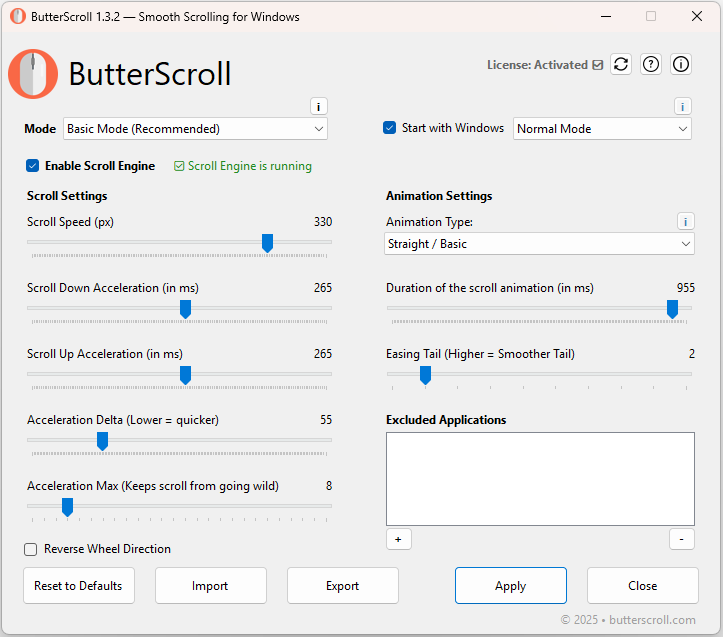
ButterScroll1

Smooth scrolling enhancement for Windows

ButterScroll 1.3.3 is a lightweight utility designed to deliver ultra-smooth, natural, and precise scrolling across Windows applications. By optimizing how the mouse wheel interacts with the system, ButterScroll eliminates the choppy or abrupt scrolling behavior commonly found in standard Windows setups. The software introduces fluid motion, adjustable inertia, customizable acceleration curves, and per-application profiles, allowing users to tailor their scrolling experience with exceptional accuracy. Whether used for browsing, coding, document viewing, or graphic design, ButterScroll significantly improves navigation efficiency and comfort. Its minimal system footprint ensures stable performance without affecting system resources. ButterScroll is ideal for professionals, content creators, and everyday users who want a refined, modern scrolling experience without modifying system files or installing heavy background services. Simple configuration, intuitive presets, and reliable performance make it one of the most practical scrolling enhancement tools available for Windows desktops and laptops.

Key features include:

  • Smooth, natural inertia-based scrolling

  • Custom acceleration and sensitivity control

  • Per-application scrolling profiles

  • Lightweight and resource-efficient design

  • Instant effect without system modification

  • Ideal for productivity, browsing, and creative work

images

Advanced motion graphics and VFX software

Adobe After Effects  is a cutting-edge motion graphics and visual effects platform designed for filmmakers, animators, designers, and content creators who require high-precision compositing and dynamic visual storytelling. Powered by next-generation Adobe Sensei AI, this version accelerates complex workflows, enhances real-time previews, and delivers greater creative flexibility. From cinematic transitions to 3D animation and advanced compositing, After Effects 2025 offers the tools needed to build professional-quality visuals with streamlined efficiency.

Key features include:

  • AI-driven rotoscoping, object tracking, and background removal

  • Enhanced 3D workspace with faster rendering and improved lighting tools

  • Real-time preview performance with optimized GPU acceleration

  • Advanced motion graphics templates for rapid content production

  • Seamless dynamic link integration with Premiere Pro and Illustrator

  • Improved keyframing tools and intuitive timeline navigation

  • Expanded effects library with updated particle, blur, and distortion effects

  • Cloud collaboration, shared assets, and version management

Whether producing title sequences, creating complex VFX shots, animating characters, or designing broadcast graphics, Adobe After Effects 2025 provides unmatched power and versatility. Its deep creative toolkit, boosted by AI automation and performance improvements, ensures creators can deliver cinematic-quality results faster, more consistently, and with greater artistic control.

adobe-illustrator

Advanced vector graphics design software

Adobe Illustrator 2026 is a next-generation vector graphics design tool built for designers, illustrators, branding specialists, and digital artists who require precision, scalability, and professional-grade creative control. This release elevates the Illustrator experience with AI-enhanced drawing features, faster rendering performance, and improved multi-device workflows. Whether creating logos, icons, packaging, typography, or large-format illustrations, Illustrator 2026 delivers a smart, streamlined, and highly productive environment.

Key features include:

  • AI-assisted vector creation, auto-trace, and shape refinement

  • Enhanced Pen, Curvature, and Shape Builder tools for higher precision

  • Faster GPU-accelerated rendering and smoother real-time previews

  • Advanced typography tools with variable fonts and AI-driven text layout

  • Improved color harmonization, gradients, and pattern generation

  • Seamless integration with Photoshop, InDesign, and Creative Cloud libraries

  • Cloud-powered collaboration with version history and shared assets

  • Optimized workspace with customizable tool panels and intelligent presets

Adobe Illustrator 2026 combines performance, intelligence, and creative flexibility, enabling professionals to design cleaner, more consistent, and scalable artwork with significantly less manual effort. This version strengthens Illustrator’s position as the industry standard for vector graphics, ensuring users can deliver high-quality visuals across print, digital, and large-scale formats with unmatched accuracy.

Chat Now

Community Chat

Enter your email and message to join the conversation. Messages are public.

I
inf*
2025-12-07 14:34:36
hello
I
inf*
2025-12-07 17:00:39
update Autodesk HSMWorks Ultimate 2019

Most Download & Stast

📄 Posts
181
💬 Comments
2
👁 Total Views
19,004

New Comment

Recent Comments

Latest discussions from your posts.

H
Ho Quang Dai View post
on IDimager Photo Supreme 2025.3.3.8136
“LIKE”
A
Alex Rivera View post
on IDimager Photo Supreme 2025.3.3.8136
“Interesting piece on Photo Supreme 2025, shows how robust DAM needs to be for fast-paced studios. I …”

Category

Tag Cloud

Request Software